AI-Agent Harnessing for scaling web development
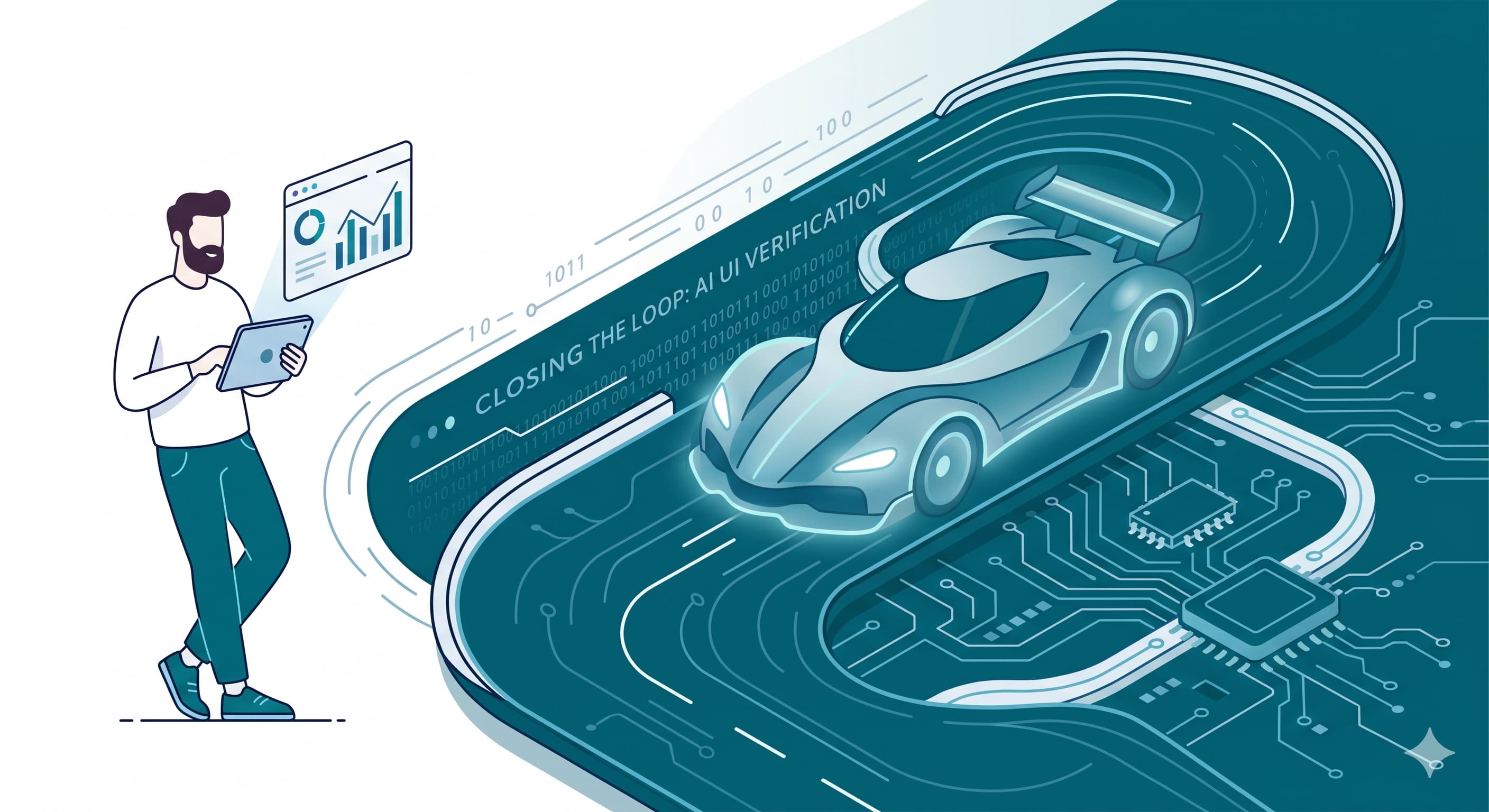
We have come a long way in the last one year in terms of how we build software. This blog post is about my experience and what I have been doing to adapt to the new AI-assisted paradigm. The post will be centered around a Claude plugin that I recently created at work to ramp up my productivity. First, a little bit about my background: I’m currently a Senior Product Engineer at Envisso. As part of the Product Engineering team, my day-to-day work involves building and maintaining the web app that powers the Envisso platform.
The 3 modes of driving a car
I think I’ve found a very sound analogy to what’s happening with software development. I believe we can compare it to driving a car around. Do we always drive cars just for the commute? No, right? We drive them for fun sometimes, sometimes in an F1 race to compete with others. Similarly, different kinds of softwares are built for different purposes and how we build it depends upon what we want to achieve.
1. Manual driving - You’re in complete control. This is how we all have been writing software for years.
2. Driving an automatic car - You’re still steering the car, but not shifting the gears anymore. This is what I call the AI-assisted coding phase. You’re getting AI autocomplete, code generation on demand, etc. but you’re still very involved in the process within your IDE.
3. Driverless car - The car runs autonomously, you just tell it where to go. This is the agentic coding phase. But do you deploy a driverless car in an F1 race? No, right?
You get the picture where we’re going, right? I can distinctly define the phases in which I changed my approach to coding.
Autocomplete to Agents working in Parallel
1. Cursor: autocomplete on steroids. I have been using GitHub Copilot since way before ChatGPT was released. It was my first introduction to AI-assisted coding. It was definitely not the ideal thing, especially when we compare it to today’s standards. But it could do basic autocompletes, generate test case skeleton blocks, etc., which saved me some time in pressing the keystrokes. Then came Cursor, the thing which I always hoped Copilot would do. It was the magic moment, tab-tab and my cursor is exactly where I imagined it to be, like it was reading my mind. It’s not just completing the function for me, it’s taking me to the files which need to be updated accordingly. I still felt in control. I could review all the changes before I commit them.
2. Claude: actual delegation. I started using it in Cursor via the VS Code plugin, because for each file it changed I still wanted to review the changes. Gradually, I started trusting the quality of the code it generated, plus it got harder to review the changes manually. Then, I moved to the terminal with Claude Code CLI. I’d just start the plan mode to let it plan the changes and I’d review the plan before handing the execution to the agent. I’d now give it a task to complete and watch it work, then verify the functionality myself. I suddenly had more mental bandwidth to focus on the bigger picture, thinking about all the edge cases, thinking more in terms of the system as a whole. What next? Since I’m not writing any code anymore, I’m just the architect reviewing plans and guiding the agent in the right direction. I can now delegate multiple tasks to multiple agents and they work in parallel?
3. Many tasks at once. It’s time to use git worktrees to run multiple agents on multiple tasks. I’m now architecting/reviewing concurrently (not in parallel :D) and my agents are working in parallel. I was extremely happy with this. For the backend changes, the agents would do TDD, write integration tests, run against a real db and verify everything worked end to end. For UI, the agents would write unit tests. But more tasks in parallel meant more bandwidth on my end was required to verify the complete feature on our web app on each branch/worktree. Time to let the agent drive the UI now?
Agent can’t just do npm run dev and run Playwright?
The obvious answer is let the agent use Playwright to run the app and check its own work. But there’s a catch. Like most modern web apps, ours (a Next.js app) requires a database and has a dependency on other services. In our case, a Postgres database and the Data platform (Databricks) are crucial for the app to function.
Now for the curious minds the picture would be clearer. For multiple worktrees the following challenges quickly surfaced:
- If we’ve got different db migrations on different worktrees, how can the agent test against one local database instance?
- What if we want to connect to one staging db to debug some issue on one worktree, but want to use a different staging db for another worktree?
- What if we want to use different data warehouse catalogs for different worktrees?
The primary challenge is how do we enable the agents to run different versions of the app with different datasources, different environments, configs, user-permissions, etc. required for each worktree which have different features being implemented or different bugs being reproduced? And all in parallel without interfering with each other?
Isolation -> Sandbox Environment for AI agents
It was clear that I needed isolated environments for each worktree. Two containers for each environment (worktree) were obvious (one for the db, another for the app). Another was needed for Playwright to drive the UI. So, after some brainstorming with Claude, I came up with the sandbox environment - A Docker Compose project with the following containers (services):
- App - The Next.js app (the actual code of the repo)
- DB - A local Postgres database (optional, only needed when need to do write operations or run migrations)
- Staging DB Tunnel - An SSM tunnel to the staging RDS inside an AWS VPC (optional, only needed when want to connect to staging db to debug some issue)
- Playwright - A container to run Playwright MCP server to drive the UI
All services share the same network namespace, so the app can connect to the db and Playwright can drive the UI. The idea was simple, some scripts to spin up the docker compose project for each worktree and we’re done. Next challenge? If there are 10 worktrees, then there are 10 Playwright MCP servers. Do we need Claude to register 10 MCP servers? And we all know that you can’t just dynamically register MCP servers on the go in Claude Code.
The solution was simple, a single MCP Proxy server registered with Claude Code which fans out dynamically to the right Playwright instance based on the current worktree. Claude makes the same MCP tool calls for Playwright to the proxy, just one extra parameter to identify the right MCP server inside the correct compose project. The proxy relays the tool calls to the right Playwright instance’s MCP endpoint based on the current worktree.
Meet rc-box - it’s a Claude Code plugin which contains the sandbox environment (Docker Compose Project for all services + MCP Proxy server + scripts to spin up the environment and tear down). All actions are exposed through Claude commands, each command is backed by a bash script. Now the agents can spin up an environment for each worktree, run any combination of app, db, data warehouse catalog (managed through env variables), features, different user logins, etc. You’re only bound by your imagination or your systems’s RAM :D
The Harness - closing the Agent loop
Claude Code ── MCP (HTTP) ──▶ rc-box MCP proxy  (singleton, one container)
                                    │  routes by an `instance` parameter
                                    │  substitutes credentials server-side
              ┌─────────────────────┼─────────────────────┐
              ▼                     ▼                     ▼
        instance A            instance B            instance C
        (staging)             (staging)             (local mode)
        app + browser         app + browser         app + browser
        + SSM tunnel          + SSM tunnel          + local Postgres
          → staging DB          → staging DB          (seeded from a dump)
I’m intentionally not going into the details of the implementation here. Please feel free to reach out if you’re interested in the details. The most important thing is that this kind of setup closes the loop for the agents to run the app, exercise a flow, and then verify the data behind it. I was recently working on a big project at work and this helped me tremendously. I’d simply spawn agents to work on different features and they would run in parallel, verify the changes and report back. The agent can run a query on the db, it can drive the UI to verify its work, take screenshots, etc. If it needs to perform migrations on the db for a task, it’d take a dump of a staging db on local Postgres and run the migrations. We already have these scripts in place to do this manually. The sandbox environment enables the AI agent to make use of those at scale.
My workflow would mostly look like this:
- Describe the issue/task to the agent or give it a github issue with details.
- I’d ask it to give me a plan to take it to completion.
- I’d review the plan and give it the go-ahead.
- It’d implement the changes and create the PR with real screenshots and a detailed report on how it verified the changes.
Complete game changer for me. It worked almost perfectly all the time.
Is AI actually moving the needle?
With latest models like Opus 4.8, I can totally trust it with code logic for well defined problems. As long as I’ve given it the right context, business understanding and work with it like a peer, challenging and reviewing its decisions, it can do the rest, i.e., code generation, almost perfectly.
We’re already seeing the results, 1 person is able to do the work of 3-4 people in the team. The productivity gain is real. With each phase I described above, I saw my work output increase significantly.
I crunched some numbers to understand the impact of the Claude Code plugin I created. In the six weeks before I started using it (March 1 – April 15) I opened 53 PRs; in the six weeks after, 77 — about 40% more per day. For the same period, same kind of work, same team: the stretch with the loop closed was the clearly more productive one.
Takeaways
If there’s a general lesson here, it’s that agentic coding is bottlenecked by planning, business context, system dependencies context and verification, not generation. Getting an agent to write plausible code is mostly solved. We just need to find ways to close the gaps, if we can get it more contextually aware (through efficient ways). The models are great, but to make them actually work we need to build the right tools and harnesses around them.
And the existential question, are we done? We don’t need humans to build software anymore? Well, I’d just say that not all car driving has the same purpose. And consider the number of tokens as the fuel, and your codebase size as the distance you want to cover. Now, keep doing the math to figure out the answer. All the best!